
Petrol API Integration with Agentforce
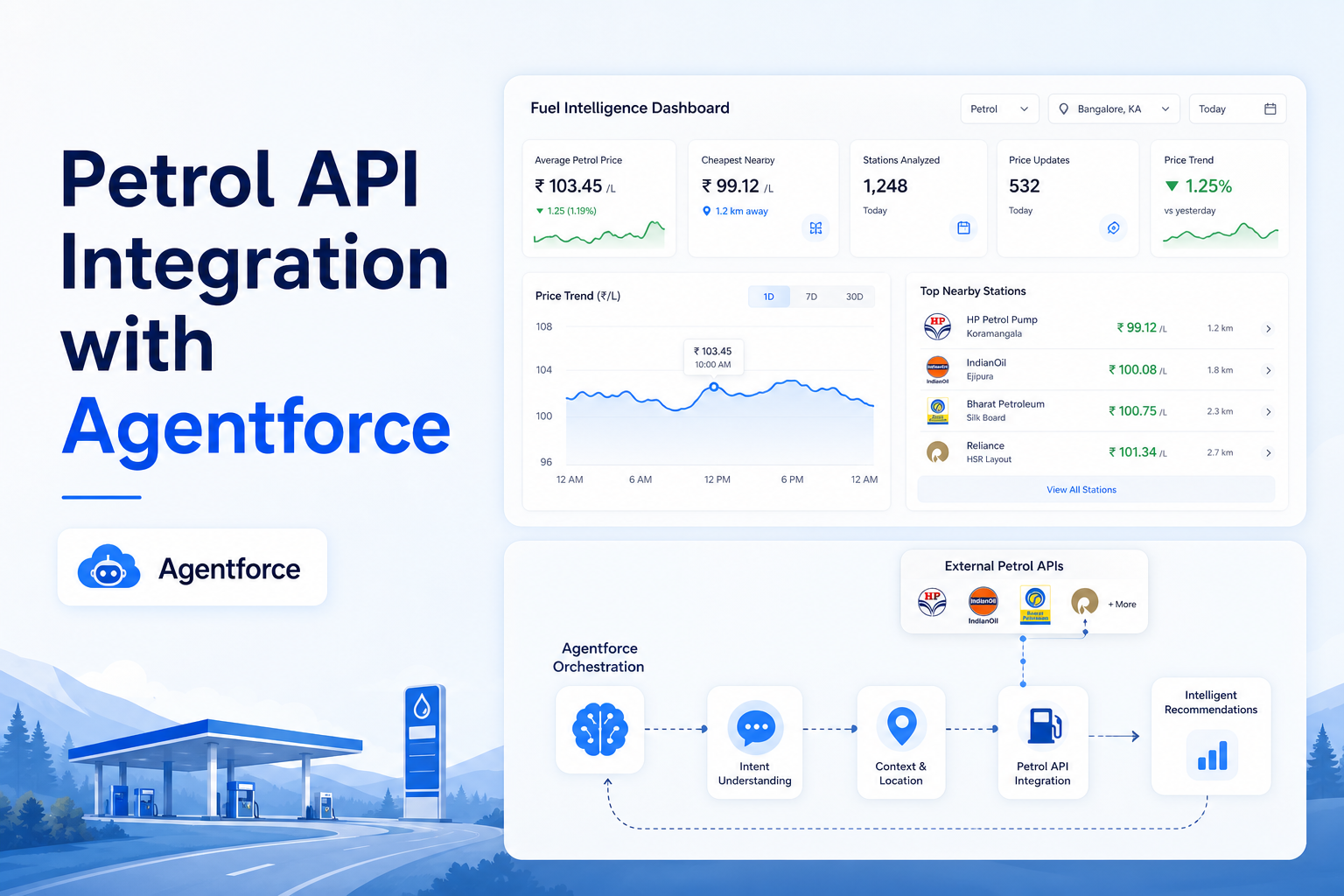
Integrate external Petrol APIs with Agentforce to deliver intelligent fuel pricing and location-based recommendations.
Salesforce Developer
1. Overview
This document describes the end-to-end integration of Salesforce Agentforce with a Petrol Price API hosted on RapidAPI. The integration enables Agentforce agents to retrieve real-time fuel prices (Petrol, Diesel, LPG, and CNG) for any city and state in India.
The solution uses:
- Salesforce Named Credentials
- External Credentials
- Apex Callouts
- Invocable Apex
- Flow
- Agentforce Actions
This architecture ensures secure API communication and allows Agentforce agents to provide fuel pricing information through natural language conversations.
2. Business Use Case
Organizations may require fuel price information for:
- Logistics Management
- Fleet Operations
- Transportation Planning
- Expense Estimation
- Customer Service Queries
- AI-powered Agentforce Assistants
Using this integration, users can ask Agentforce:
- "What is the petrol price in Chennai?"
- "What is the diesel price in Coimbatore?"
Agentforce will automatically retrieve the latest fuel prices from the external API and return the results.
3. Solution Architecture
User
 |
 v
Agentforce Agent
 |
 v
Agent Action
 |
 v
Autolaunched Flow
 |
 v
Invocable Apex
 |
 v
PetrolAPI Apex Class
 |
 v
Named Credential
 |
 v
RapidAPI Fuel Price API
 |
 v
JSON Response
 |
 v
Agentforce Response
4. Prerequisites
Before starting the implementation ensure:
Salesforce Requirements
- Agentforce Enabled
- Flow Enabled
- Apex Development Access
- Permission Set Creation Access
- Named Credentials Access
External API Requirements
RapidAPI Subscription — Reference: RapidAPI Fuel Price API Documentation
Obtain:
- API Key
- API Host
5. Configure External Credentials
Step 1: Create External Credential
Navigate to: Setup → External Credentials → New
| Field | Value |
|---|---|
| Label | Petrol |
| Name | Petrol |
| Authentication Protocol | No Authentication |
Save the record.
Step 2: Create Named Principal
After saving: External Credential → Named Principals → New
| Field | Value |
|---|---|
| Parameter Name | Petrol |
Save.
6. Configure Named Credentials
Navigate: Setup → Named Credentials → New
| Field | Value |
|---|---|
| Label | Petrol |
| Name | Petrol |
| URL | https://daily-petrol-diesel-lpg-cng-fuel-prices-in-india.p.rapidapi.com |
Add Custom Headers
| Header | Value |
|---|---|
| X-RapidAPI-Key | <Your API Key> |
| X-RapidAPI-Host | daily-petrol-diesel-lpg-cng-fuel-prices-in-india.p.rapidapi.com |
Save the Named Credential.
7. Permission Set Configuration
Create Permission Set: PetrolV1
Navigate: Permission Set → External Credential Principal Access → Edit
Assign: Petrol – Petrol
Save. Assign the permission set to users who will access Agentforce.
8. Apex Development
Create the following Apex Classes:
Class 1 — PetrolAPI
Purpose:
- Performs HTTP Callouts
- Retrieves States
- Retrieves Cities
- Retrieves Fuel Prices
(Use the provided code.)
Class 2 — WrapperClass
Purpose:
- Deserialize API responses
- Store State Information
- Store City Information
- Store Fuel Pricing Information
(Use the provided code.)
Class 3 — PetrolAPI_Invocable
Purpose:
- Makes fuel price data available to Flow
- Enables Agentforce integration
(Use the provided code.)
9. Create Autolaunched Flow
Step 1
Navigate: Setup → Flows → New Flow → Autolaunched Flow
Step 2 – Create Input Variables
| Property | Value (Variable 1) |
|---|---|
| API Name | StateName |
| Data Type | Text |
| Available for Input | True |
| Property | Value (Variable 2) |
|---|---|
| API Name | CityName |
| Data Type | Text |
| Available for Input | True |
Step 3 – Create Output Variables
Create: petrolPrice, dieselPrice, cngPrice, lpgPrice
| Property | Value |
|---|---|
| Data Type | Text |
| Available for Output | True |
Step 4 – Add Apex Action
Add Element: Action
Search: "Get Fuel Price by City and State" — this action comes from the Invocable Apex Class.
Map Inputs:
- StateName → StateName
- CityName → CityName
Step 5 – Map Outputs
Enable: Show Advanced Options
Assign:
- Petrol → petrolPrice
- Diesel → dieselPrice
- CNG → cngPrice
- LPG → lpgPrice
Save and Activate the Flow.
10. Configure Agentforce
Why Use a Flow?
Direct Apex Actions may throw exceptions because Agentforce works best when invoking Flows that manage input/output mappings. Therefore: Agentforce → Agent Actions → Flow Action is the recommended approach.
Create Agent Action
Navigate: Agentforce → Agent Actions → New Action
Select: Flow
Choose: Petrol Price Flow
Configure Inputs
| Agent Variable | Flow Variable |
|---|---|
| State Name | StateName |
| City Name | CityName |
Configure Outputs
| Flow Output | Agent Response |
|---|---|
| petrolPrice | Petrol Price |
| dieselPrice | Diesel Price |
| cngPrice | CNG Price |
| lpgPrice | LPG Price |
Save. Assign the action to your Agent.
11. Testing Agentforce
Sample Prompt: "What is the petrol price in Chennai Tamil Nadu?"
Expected Response:
Petrol Price : ₹102.63/liter
Diesel Price : ₹94.24/liter
CNG Price : ₹84.50/kg
LPG Price : ₹58.00/liter
12. Error Handling & Troubleshooting
| Issue | Resolution |
|---|---|
| Unauthorized Error | Verify RapidAPI Key |
| Callout Exception | Verify Named Credential |
| Agent Action Failure | Confirm Flow is Active |
| Empty Response | Verify State and City Names |
| Permission Error | Assign PetrolV1 Permission Set |
13. Security Considerations
Recommended Practices:
- Store API keys only in Named Credentials.
- Never hardcode API keys in Apex.
- Use Permission Sets for access control.
- Limit API usage according to RapidAPI subscription limits.
- Monitor callout usage through Salesforce debug logs.
14. Future Enhancements
Potential enhancements include:
- Fuel Price Trend Analysis
- Historical Fuel Price Tracking
- Dashboard Reporting
- Multi-country Fuel Support
- Scheduled Daily Price Synchronization
- Agentforce Prompt Templates
- Einstein AI Insights for Fuel Cost Predictions
Conclusion
This solution provides a secure, scalable, and Agentforce-ready integration between Salesforce and the Petrol Fuel Price API. By combining Named Credentials, Apex Callouts, Flow, and Agentforce Actions, users can retrieve real-time fuel pricing information directly through conversational AI interactions within Salesforce.