
Automatic Deleted Data Backup
Automatically stores deleted Salesforce records for future recovery.
SALESFORCE DATA PROTECTION SOLUTION
Automatically capture deleted Salesforce records, restore them instantly, and maintain complete visibility of deleted data through an intuitive Recycle Bin interface.
SALESFORCE DATA PROTECTION SOLUTION
Recycle Bin Application
100%
Deleted Record Backup
1 Click
Record Restore
Multi
Object Support
SMART DATA RECOVERY
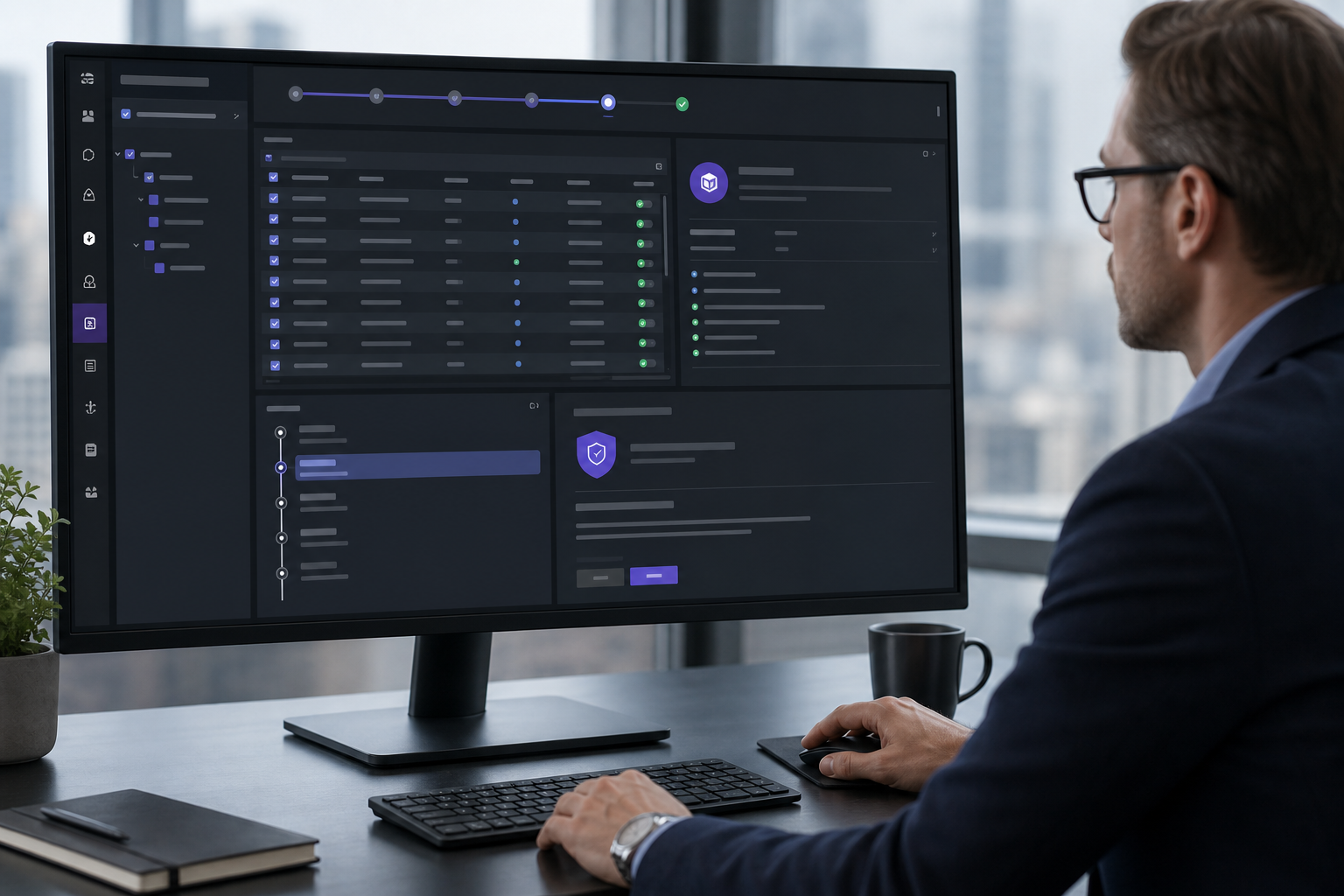
Recycle Bin Application automatically maintains deleted record backups, configurable object protection, powerful search capabilities, and one-click restoration for Salesforce administrators.
PRODUCT CAPABILITIES
Automatically stores deleted Salesforce records for future recovery.
Configure which Salesforce objects should be included in the backup process.
Quickly search deleted records using the built-in search functionality.
Restore deleted Salesforce records instantly with a single click.
View complete deleted record details before restoring the data.
Share deleted record information securely through email directly from the application.
DELIVERY WORKFLOW
Select Salesforce objects that should be monitored for deleted record backups.
When a Salesforce record is deleted, the application automatically stores its backup.
Access the Recycle Bin Home page to review all deleted records.
Locate deleted records quickly using the search functionality.
Restore deleted Salesforce records with a single click.
View deleted record details or email record information whenever required.
APPLICATION STACK
PRODUCT FAQ
Yes. Deleted records from configured Salesforce objects are automatically stored in the Recycle Bin application.
Yes. Administrators can restore deleted records directly from the Recycle Bin Home page with a single click.
Yes. The Configuration page allows administrators to select Salesforce objects that should be included in the deleted data backup process.
Partner with Subsel to build modern CRM, AI-enabled automation, and enterprise systems that scale.