Petrosoft – Use Case Document
Comprehensive business use case documentation outlining Petrosoft workflows, business requirements, and Salesforce implementation.
Business Analyst
Abstract
This document provides a brief overview of the Petrosoft system and its objective. The Petrosoft system is designed to simplify real-time business operations by helping users manage customer credit details, payment tracking, report generation, and cash closing activities. The main objective is to provide an easy and efficient way to maintain financial records, reduce manual calculations, and improve accuracy in daily operations.
Solution
The Petrosoft system provides different functionalities based on user roles such as Administrator, Cashier, Manager, and Customer. The solution includes:
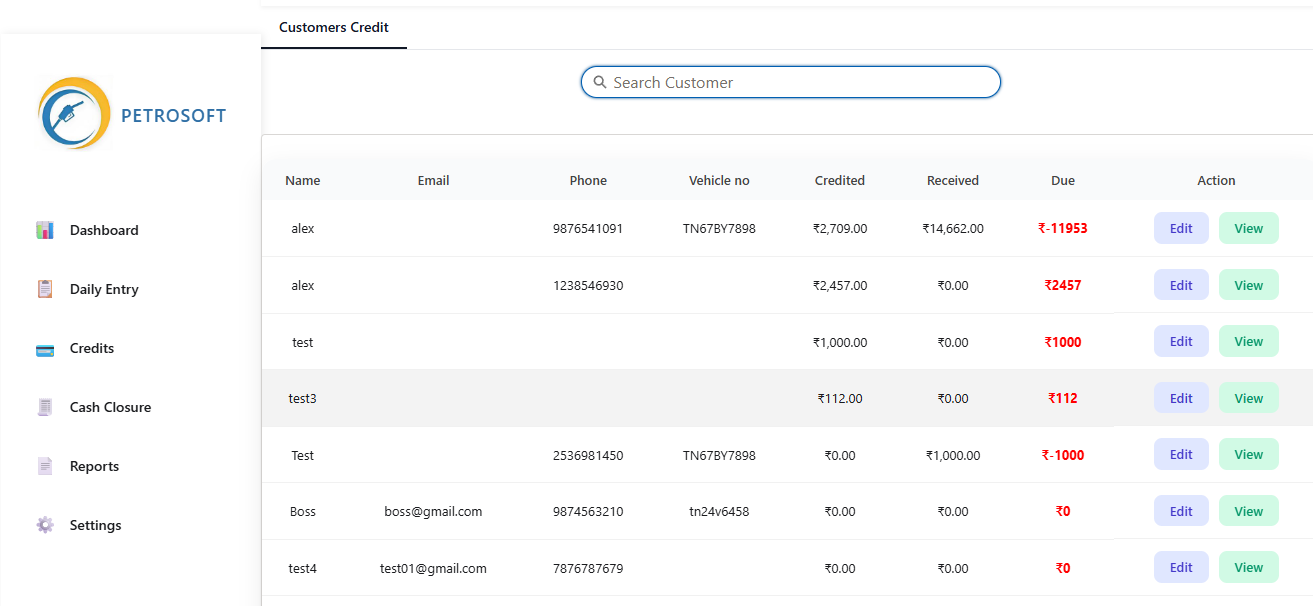
- Managing Customer Credit Details — Users can view total credit amount, received amount, and remaining balance.
- Generating Customer Credit Summary Report — Users can select customers and date ranges to view credit transactions with product details, bill number, quantity, and credit amount.
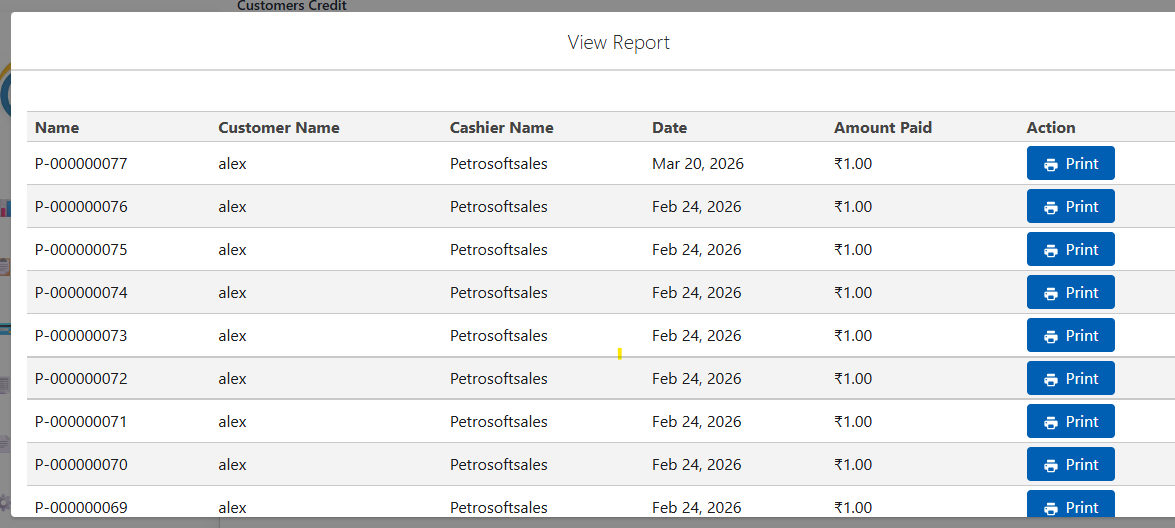
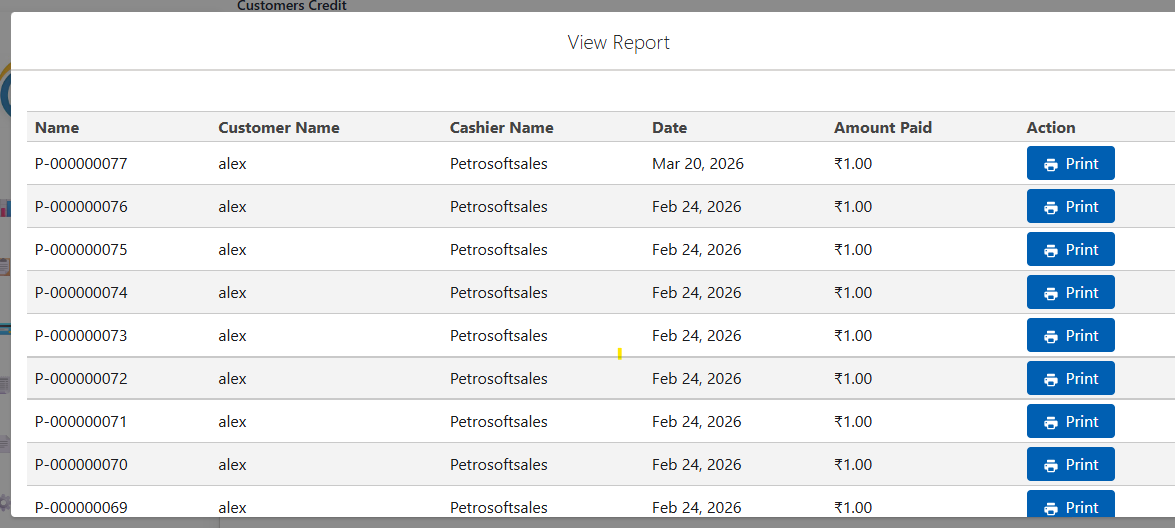
- Printing and Exporting Reports — Generated reports can be printed or exported as Excel files for record maintenance.
- Adding Customer Payment — Payments received from customers are recorded, and outstanding balances are updated automatically.
- Cash Closing Process — Daily sales, oil sales, and expenses are calculated to generate the final cash closing report.
The implementation ensures accurate financial tracking and reduces manual effort.
Step-by-Step Guide
- Login to the Petrosoft system using the required user credentials.
- Select the required module based on the user role.
- To manage customer credit details:
- Select the customer record.
- View total credit amount, received amount, and remaining balance.
- To generate customer credit summary report:
- Select the customer.
- Choose the required date range.
- Click search to display transaction details.
- To print or export reports:
- Open the generated report.
- Select print or export option.
- To add customer payment:
- Select the Add Payment option.
- Enter payment details.
- Save the payment record.
- To complete cash closing:
- Review sales, oil sales, and expense details.
- Submit the cash closing record.
- Generate the printable report.
Conclusion
The Petrosoft system makes daily financial operations simple and efficient. It helps users manage customer credit, track payments, generate reports, and complete cash closing activities without manual calculations.
Pros
- Reduces manual effort.
- Improves financial data accuracy.
- Provides easy report generation and tracking.
Cons
- Requires proper user access and system availability.
- Users need basic system knowledge for effective usage.
Images/Screenshots
Relevant screenshots from the original document are included below for better understanding.