
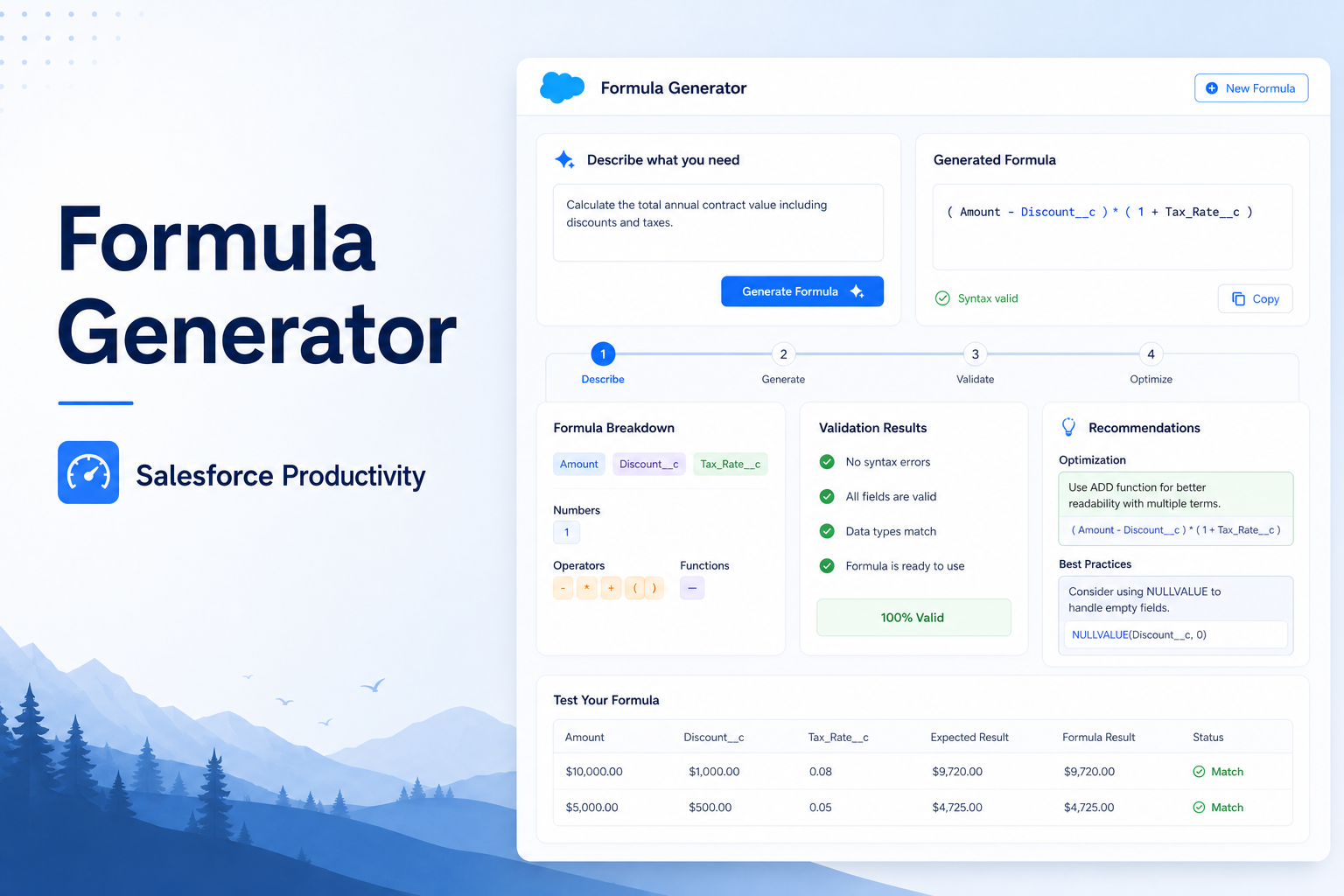
Formula Generator
Generate Salesforce formulas quickly using an AI-powered assistant for validation and optimization.
Salesforce Developer
Abstract
Salesforce Administrators and Developers often create formula fields to implement business requirements. Writing formulas manually can be time-consuming and may introduce syntax errors, especially when the business logic is complex. The Formula Generator simplifies this process by converting a natural language requirement into a valid Salesforce formula through a REST API integration. The objective of this solution is to improve productivity, reduce manual effort, and help users generate Salesforce formulas more efficiently.
Introduction
Formula fields are one of the most commonly used features in Salesforce. They allow organizations to automate calculations and implement business rules without writing Apex code. However, creating formulas requires a good understanding of Salesforce functions and syntax. Many users spend significant time converting business requirements into formula expressions.
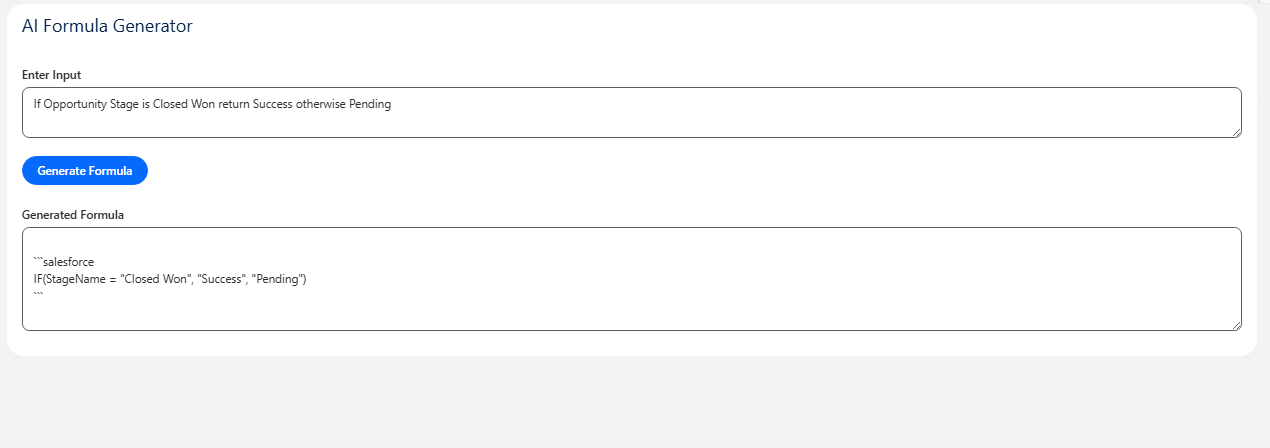
The Formula Generator provides a simple interface where users enter a business requirement, and the system returns a corresponding Salesforce formula.
Solution
The solution uses a Lightning Web Component (LWC) as the user interface and Apex as the backend service. The user enters a business requirement in the input area. The requirement is sent to an Apex controller, which performs a REST API call to a formula processing service. The generated Salesforce formula is then returned and displayed to the user.
Technologies Used
- Salesforce Apex
- Lightning Web Components (LWC)
- REST API
- HTTP Callouts
- JSON Serialization
- JSON Deserialization
System Architecture
User
  |
 LWC
  |
Apex Controller
  |
REST API
  |
Formula Processing Service
  |
Generated Salesforce Formula
End-to-End Process Flow
The Formula Generator follows a complete end-to-end process that transforms a user's natural language requirement into a valid Salesforce formula. This process ensures smooth communication between the user interface, backend logic, and external processing service.
The workflow begins when a user enters a business requirement in the Lightning Web Component (LWC). The input is captured through a simple and interactive user interface designed for ease of use. The user does not need to know Salesforce formula syntax; instead, they only describe the requirement in plain language.
Once the input is submitted, the LWC sends the request to an Apex controller. The Apex layer acts as the central processing unit within Salesforce. It validates the input and prepares the request payload for external communication.
The Apex controller then performs a REST API call to an external service responsible for generating Salesforce formulas. This service processes the input requirement, interprets the business logic, and generates a corresponding Salesforce-compatible formula expression.
After processing, the external service sends the generated formula back to the Apex controller in a structured response format. The Apex controller extracts the formula from the response and forwards it to the Lightning Web Component.
Finally, the LWC displays the generated formula to the user in a readable format. The user can then copy and use the formula directly in Salesforce Formula Fields without additional modification.
This complete flow ensures that formula generation becomes faster, more accurate, and less dependent on manual effort, improving overall productivity for Salesforce administrators and developers.
Working Process
- The user enters a business requirement.
- LWC sends the request to Apex.
- Apex performs a REST API call.
- The formula processing service generates a Salesforce formula.
- Apex receives the response.
- The generated formula is displayed in the LWC.
- The user copies the formula and uses it in Salesforce.
Business Benefits
- Reduces manual formula creation.
- Improves administrator and developer productivity.
- Minimizes syntax errors.
- Provides a simple user experience.
- Speeds up Salesforce development activities.
- Supports rapid business requirement implementation.
Advantages
- Easy to use.
- Reduces repetitive work.
- Faster formula generation.
- Supports business users and developers.
- Improves consistency across implementations.
- Simple integration with Salesforce.
Limitations
- Depends on external service availability.
- API usage may require credits.
- Generated formulas should be reviewed before production deployment.
- Internet connectivity is required.
- Complex business logic may require manual adjustments.
Screenshots :
Conclusion
The Formula Generator simplifies the process of creating Salesforce formulas by converting business requirements into valid formula expressions.
By integrating Apex, Lightning Web Components, and REST APIs, the solution reduces manual effort, improves productivity, and helps users implement business logic more efficiently.
The solution can be further enhanced to support additional Salesforce development activities such as validation rule generation, SOQL generation, and Apex code generation.