
FaceFlow AI - Facial Recognition and Emotion Detection
Explore the advanced facial recognition and emotion detection capabilities of FaceFlow AI.
AI Research Scientists

FaceFlow AI
Enterprise Face-Recognition Attendance
Mobile App Walkthrough & Integration Overview
React Native · Node.js · Salesforce · AWS Rekognition
Introduction
Attendance should take a second, not a signature. FaceFlow AI replaces punch cards, spreadsheets, and manual registers with a single tap and a glance at the camera.
FaceFlow AI is a face-recognition attendance system built for the workplace. A single shared device sits at the office entrance and runs as an unattended kiosk. Employees do not log in, do not type an ID, and do not choose what they are doing — they simply show their face, and the system understands the rest.
Behind that one tap sits a modern, cloud-connected stack: a React Native mobile app, a Node.js backend, AWS Rekognition for face intelligence, and Salesforce as the system of record. This walkthrough shows the app screen by screen and explains how the pieces fit together.
How It Works
Every interaction follows the same simple path. The employee shows their face; the app captures and compresses the image; the backend identifies the person, decides what the scan means, records it in Salesforce, and returns the result — all in about two seconds.
- Identify — AWS Rekognition matches the face against enrolled employees using one-to-many face recognition.
- Decide — the backend reads today’s attendance record and automatically determines the next action: Check-In, Lunch-Out, Lunch-In, or Check-Out.
- Record — the timestamp is written to Salesforce, while lunch duration and total working hours are computed immediately.
- Respond — the app greets the employee by name and displays what was recorded.
The App, Screen by Screen
1. Launch
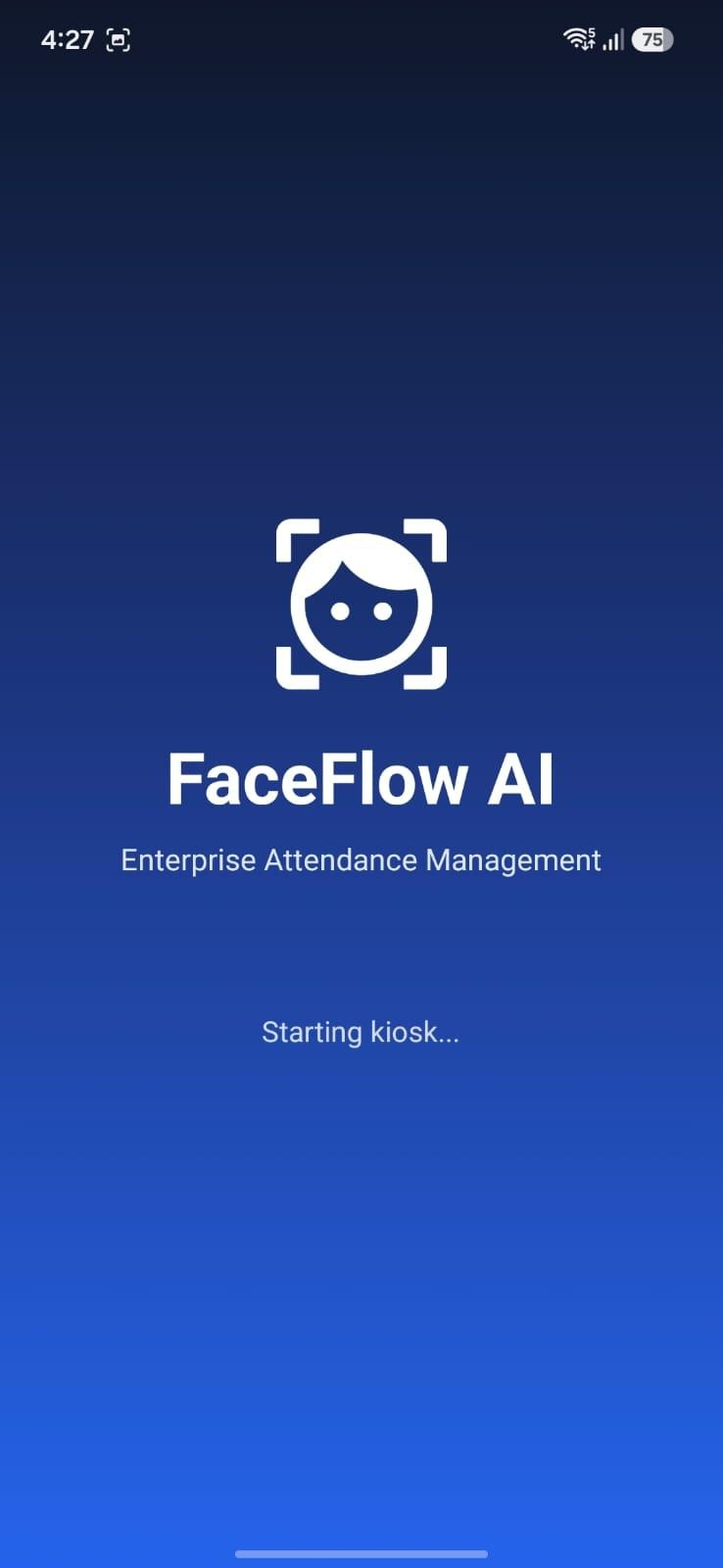
When the kiosk starts, a branded splash screen appears while the app quietly wakes the backend in the background. By the time the employee reaches the entrance, the system is already warmed up and ready to respond instantly.
Splash screen — the kiosk starts and prepares the backend
2. The Home Screen — One Tap
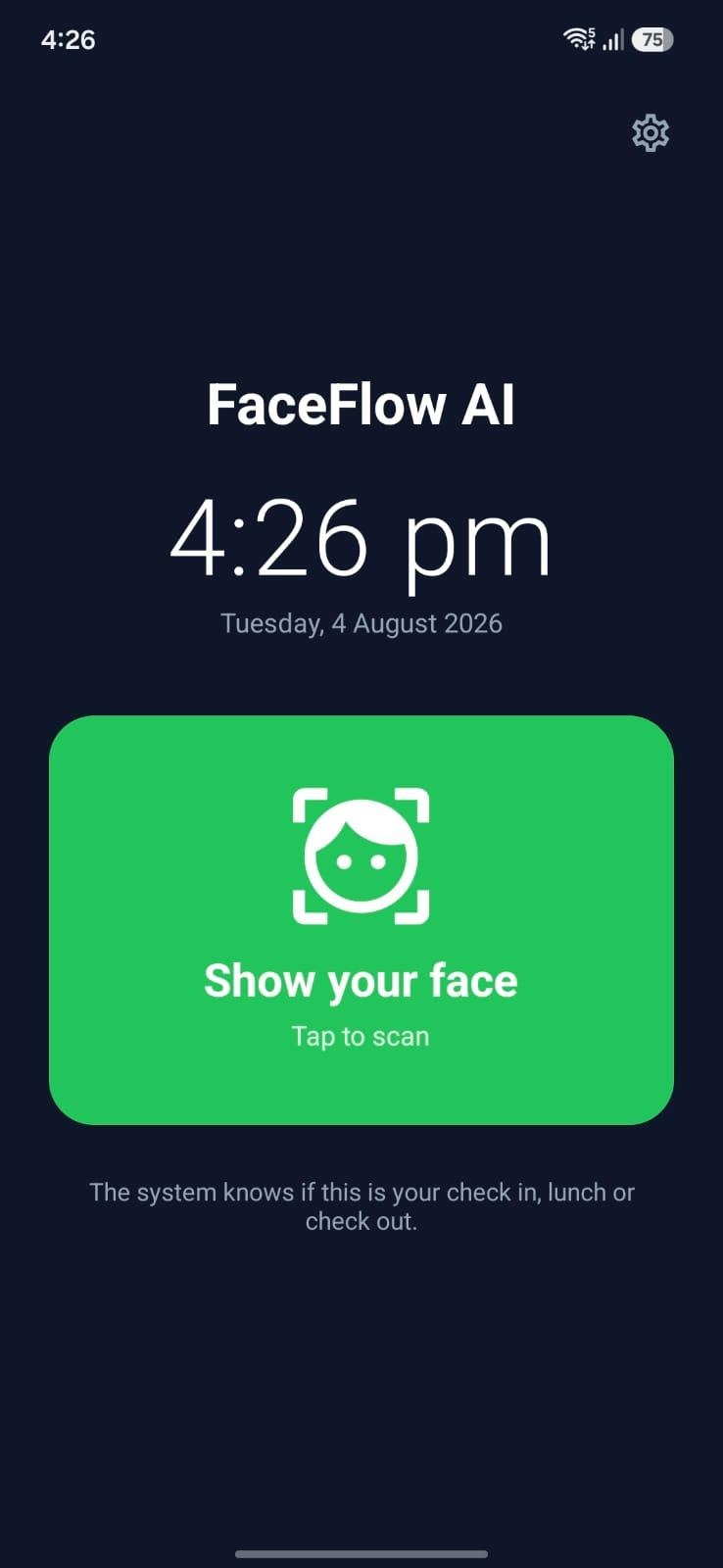
The home screen is deliberately minimal: a live clock, the date, and one large button. There are no menus and no options to get wrong. The tagline says it best — “The system knows if this is your check in, lunch or check out.” That single sentence captures the entire design philosophy: the employee never has to think, only show up.
Home screen — a single “Show your face” action
3. The Face Scan
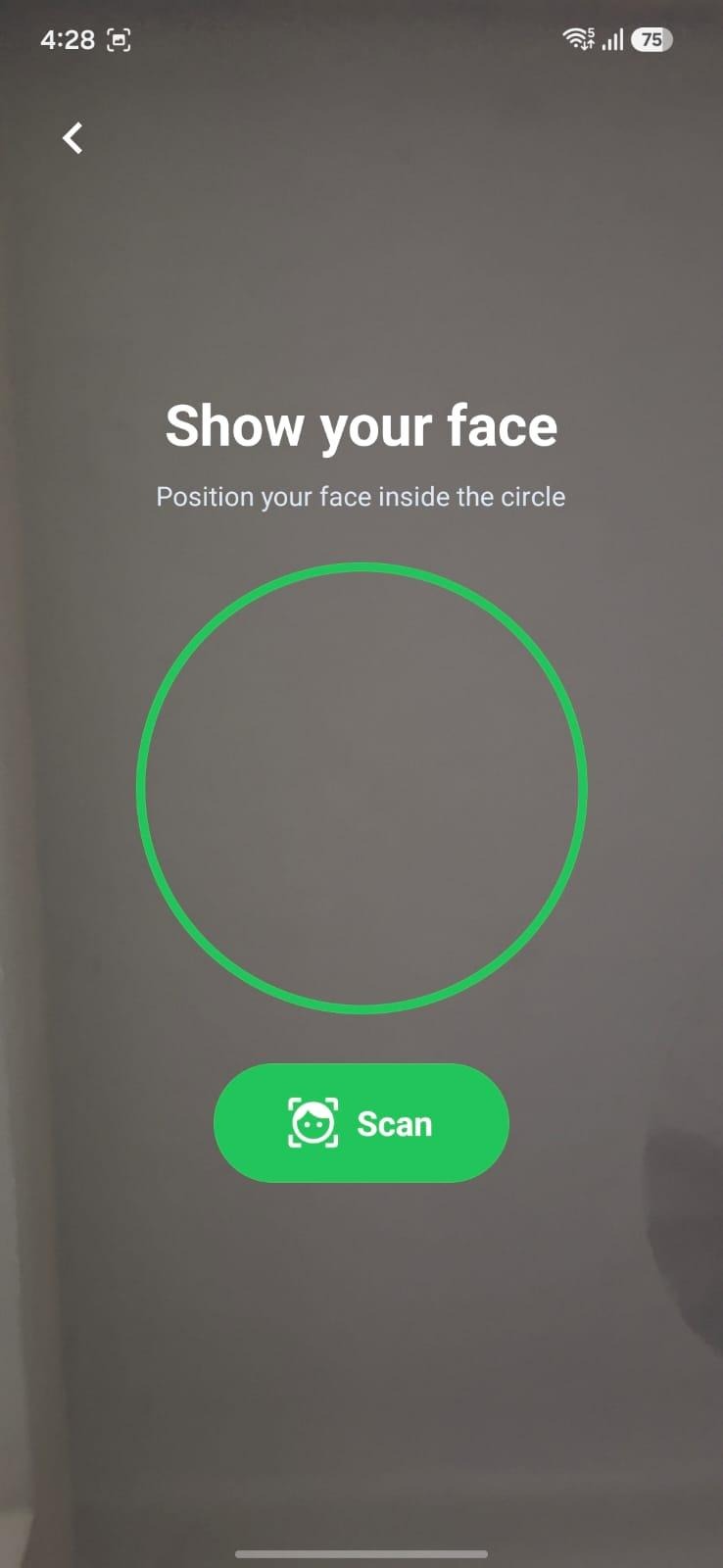
Tapping the button opens the camera with a clear guide circle. The employee positions their face and taps Scan. The photo is compressed on the device before it is sent, keeping the upload small and the response fast. Within a couple of seconds the system recognises the person, records the correct action, and moves on — no name, no ID, no password.
Face scan — position your face and tap Scan
The Admin Experience
Everything above is what an employee sees. Administrators get a second, protected layer inside the very same app — no separate tool to install.
4. Secure Admin Access
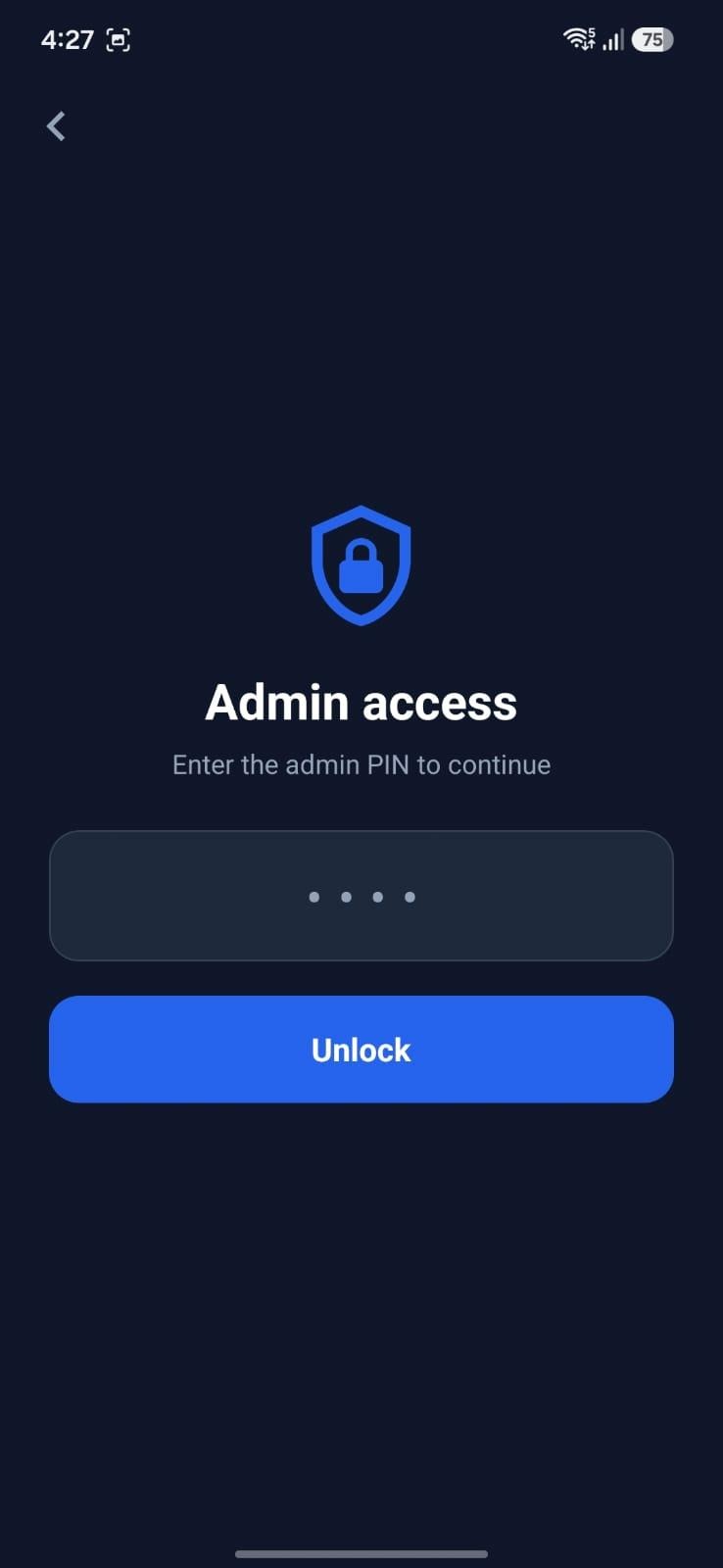
A discreet gear icon on the home screen leads to a PIN gate. Only staff with the code can go further, keeping the admin area invisible to everyday users while remaining one tap away for managers.
Admin access — protected by a PIN
5. The Live Dashboard
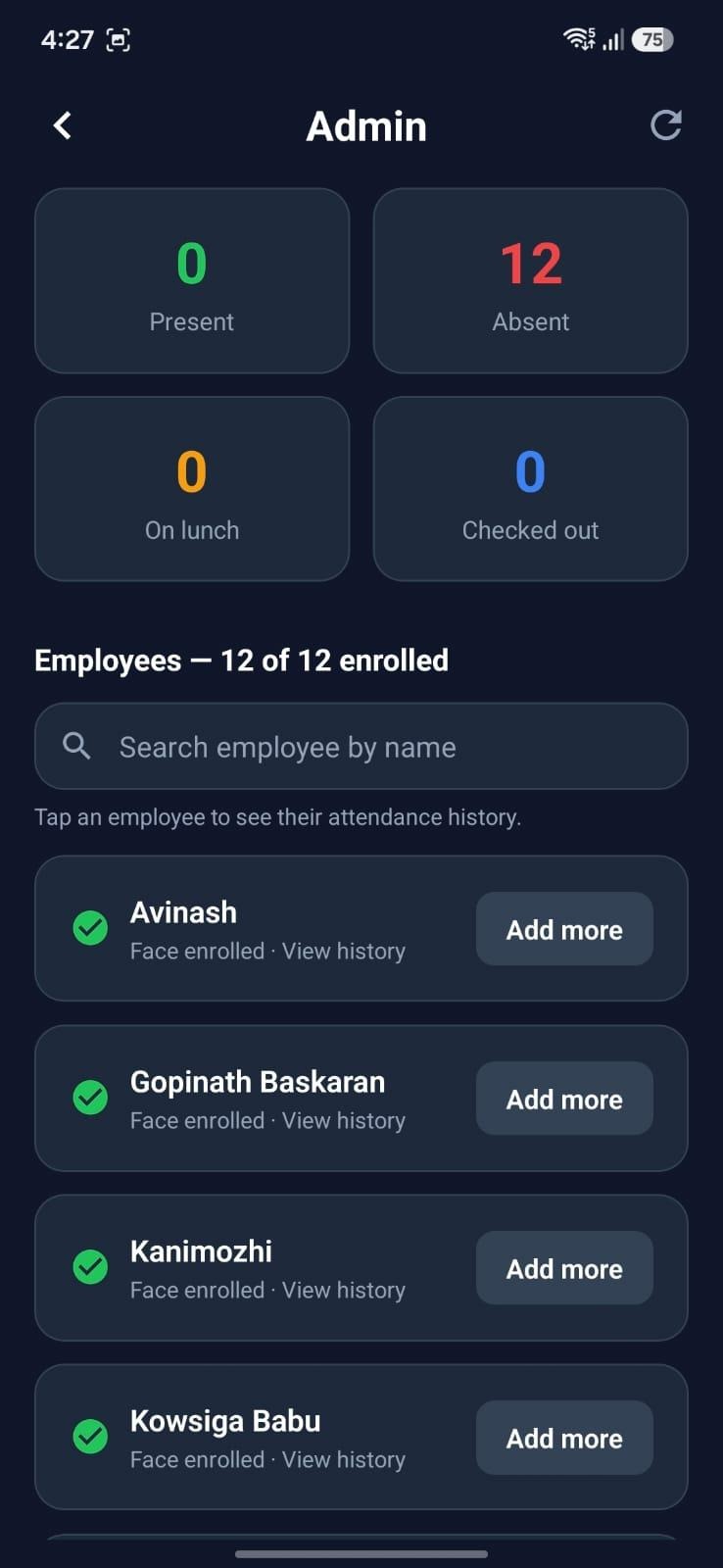
Once unlocked, the dashboard gives an at-a-glance view of the day: how many employees are present, absent, out for lunch, or already checked out. Below the counters sits the full employee directory with a search bar, each person marked with their enrollment status. Tapping any name opens that employee’s complete attendance history — check-in, lunch, check-out, break length, and hours worked across recent days.
Admin dashboard — live stats, search, and per-employee history
6. Enrolling a Face
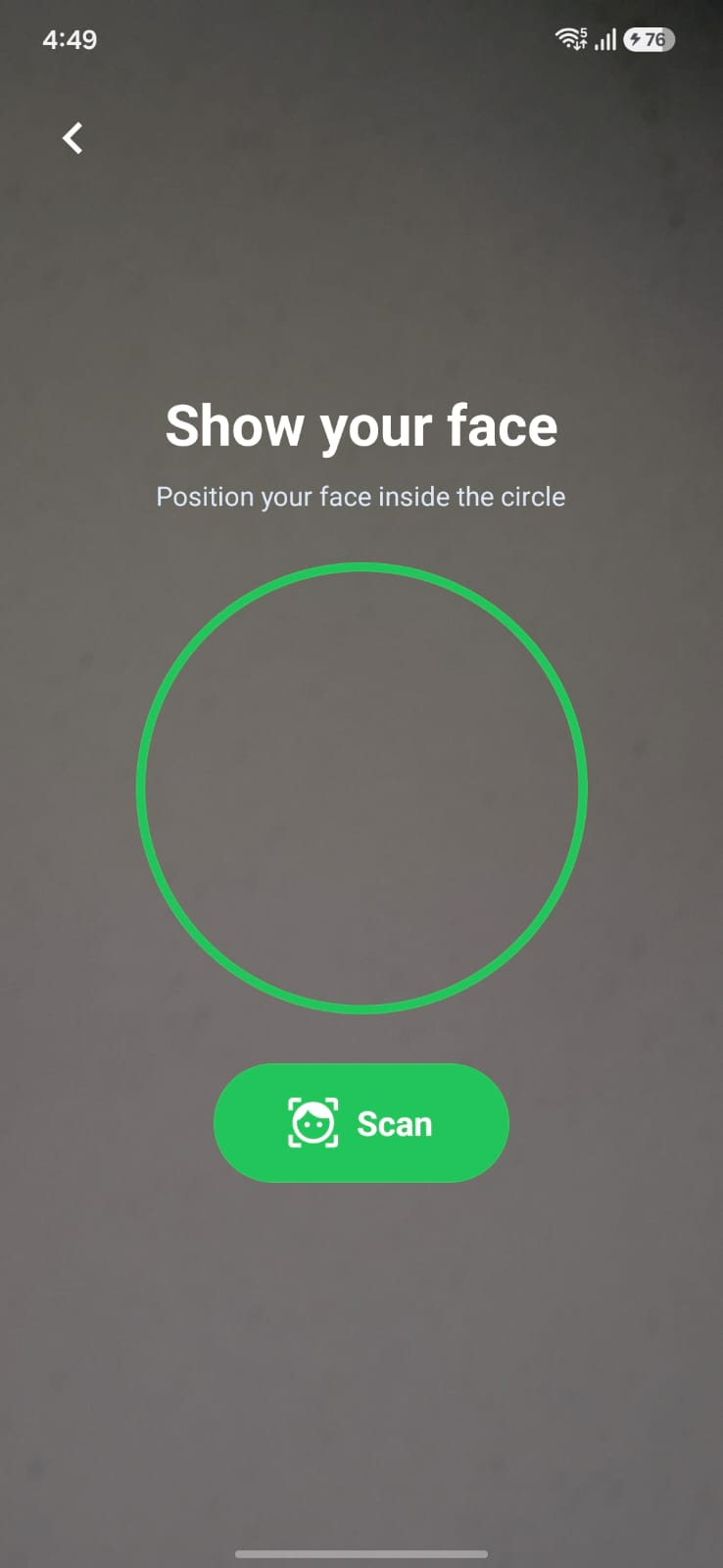
Before anyone can be recognised, an administrator enrols them once. From the directory, the admin selects an employee and captures three to five photos from slightly different angles. Each photo is registered under that employee’s record, and more samples make future recognition more reliable. From that moment on, the employee simply shows up and is known.
Face enrollment — capture a few photos, once per employee
Under the Hood: The Integration
FaceFlow’s simplicity on the surface is powered by four systems working together behind the scenes.
React Native Mobile App
The app is built with React Native and Expo, so a single codebase runs on real devices. It handles the camera, compresses images before upload, and presents both the employee kiosk and the admin module. Because it talks to the backend over standard HTTPS, the same app works whether the device is on office Wi-Fi or mobile data.
Node.js Backend
A Node.js and Express service is the brain of the system. It receives each scan, coordinates face identification, applies the attendance rules, and writes to Salesforce. A single streamlined endpoint performs identification, decision, recording, and retrieval in one round-trip — the key reason a scan resolves in around two seconds.
AWS Rekognition
Face intelligence is handled by AWS Rekognition. During enrollment, each photo is added to a secure face collection. During a scan, Rekognition performs a one-to-many search to answer a single question: who is this? Importantly, no face image is stored in the company’s database — only a reference identifier is kept, which protects employee privacy.
Salesforce as the System of Record
All attendance data lives in Salesforce, using two custom objects — one for employees and one for daily attendance. Every check-in, lunch, and check-out becomes a Salesforce record, and lunch duration and total working hours are calculated automatically. Because the data sits in Salesforce, it plugs straight into existing reports, dashboards, and payroll processes.
Cloud Deployment
The backend runs on cloud hosting, so the kiosk keeps working even when no office computer is switched on. It authenticates to Salesforce through a secure server-to-server flow that needs no manual login, allowing the system to run unattended and reconnect on its own after any restart.
Why It Matters
- Zero friction — attendance takes one tap and a glance; nothing to remember and nothing to mistype.
- No wrong entries — the system decides the action, so duplicate check-ins and missed lunches disappear.
- Real-time visibility — managers see who is present, absent, or on lunch at any moment.
- Privacy-first — faces are matched, not stored; only a reference ID is kept.
- Salesforce-native — data flows into existing reporting and payroll with no extra integration.
- Always on — cloud-hosted and self-authenticating, the kiosk runs without a dedicated computer.
FaceFlow AI turns attendance from a daily chore into a single, effortless moment — while giving the business clean, real-time data it can actually use.