
DYNAMIC DOCUMENT PREVIEW Using Salesforce LWC & Experience Cloud
Create dynamic document previews using Salesforce Lightning Web Components and Experience Cloud for a seamless user experience.
Salesforce LWC Developer
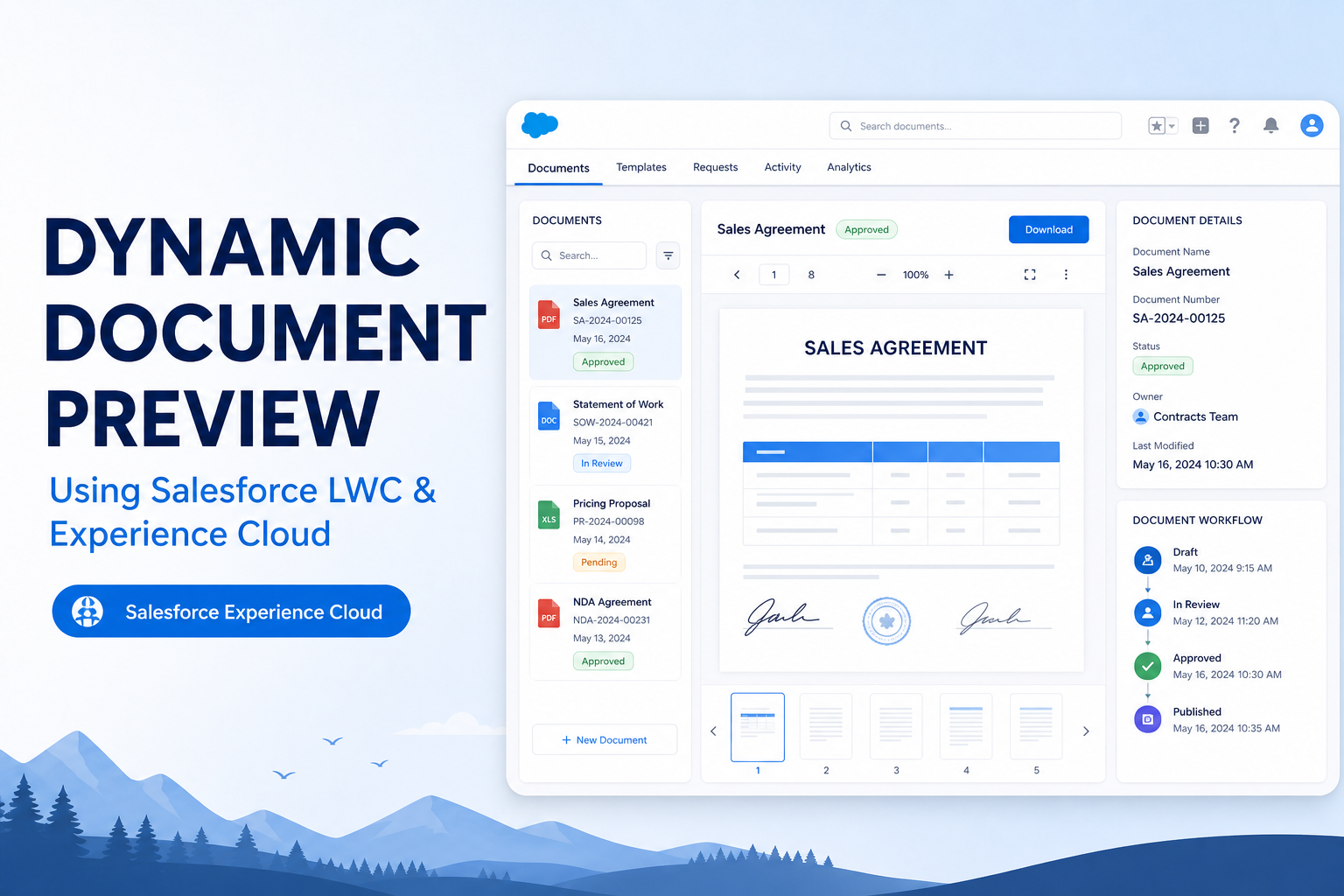
Organizations today demand efficient, frictionless ways to review documents before downloading, printing, or sharing them. This article explores how we built a powerful dynamic document preview solution by harnessing Salesforce Lightning Web Components (LWC), Apex, and Experience Cloud — delivering a seamless experience that keeps users in-platform and in control.
What This Solution Delivers
- Select any generated document
- Generate a secure preview link
- Open via Experience Cloud page
- View directly in the browser
- Zoom in/out for readability
- Print without extra downloads
How It Works — A 6-Step Journey
01. Select a Generated Document
Users open a modal window listing all available generated documents, including document name, record identifier, and creation date. One click is all it takes to select and prepare the document for preview.
02. Generate a Secure Preview Link
When the user clicks Send Link, the system builds a unique preview URL containing the document ID and lead ID. This URL can be stored, emailed, or shared with anyone who needs to review the document.
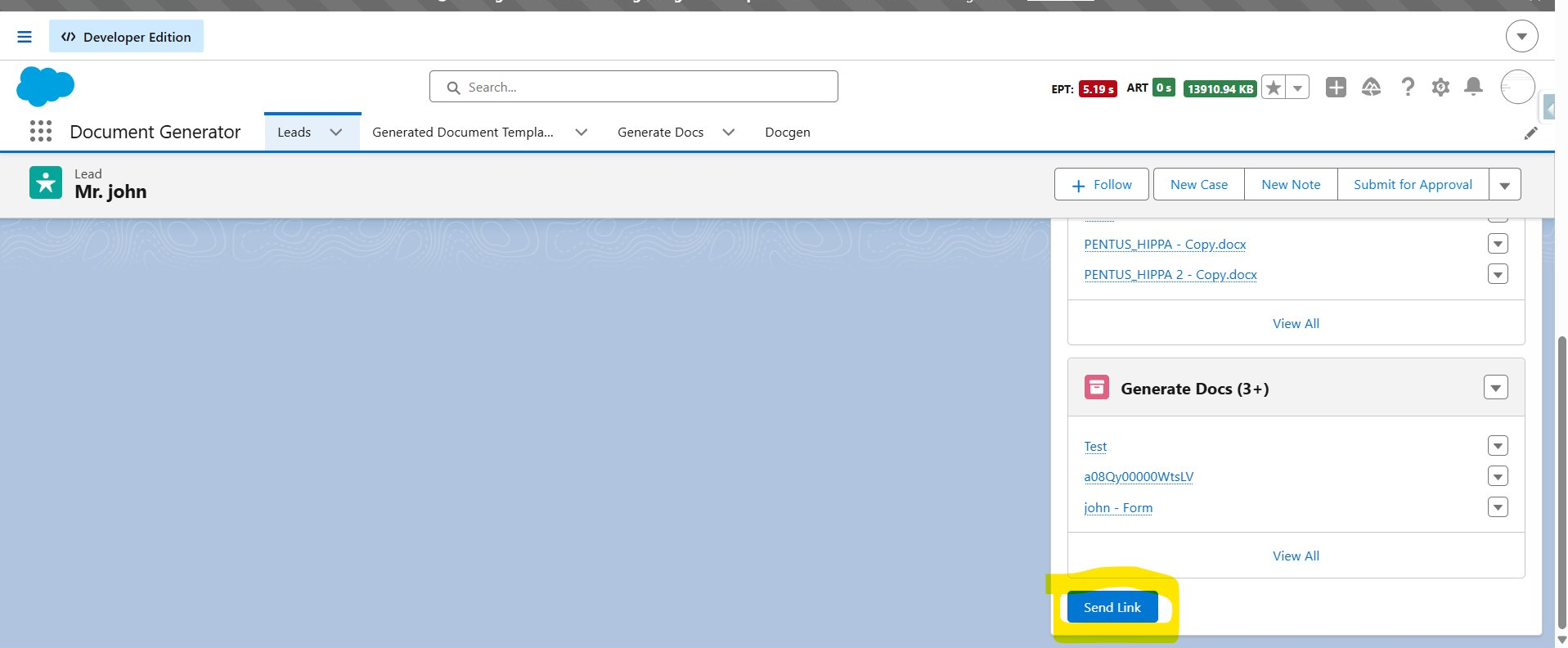
Clicking Send Link from the Lead record triggers generation of the secure preview link, and the browser console confirms the Lead and Document IDs while outputting the generated preview link.
03. Redirect to the Preview Page
When the link is opened, the Experience Cloud page loads and extracts the required parameters from the URL — identifying precisely which document to display and initiating retrieval.
04. Retrieve Document Content
The system fetches the stored document content and renders it immediately, ensuring reviewers always see the most current version available within the platform.
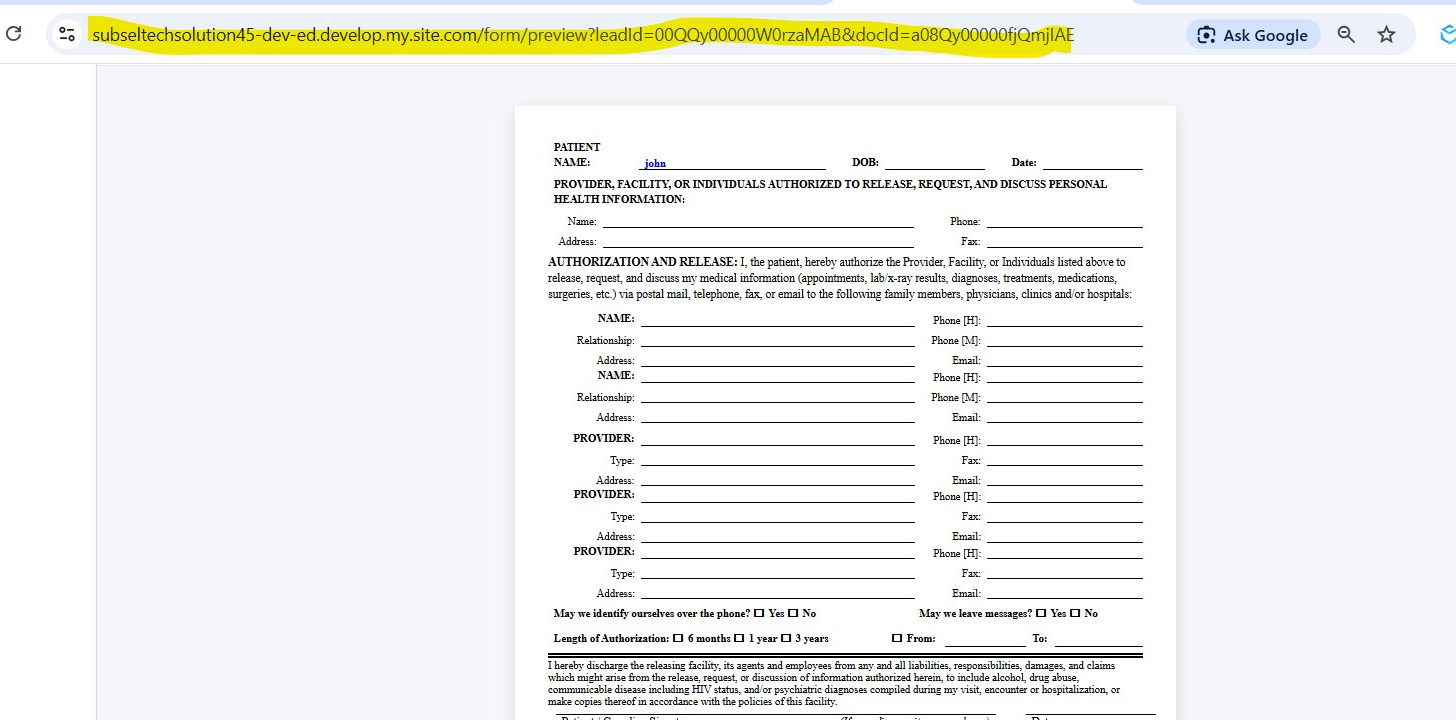
The Experience Cloud preview page renders the requested document directly in the browser using the leadId and docId from the URL.
05. Dynamic HTML Rendering (No iFrame)
Instead of using an iframe, document content is rendered directly inside the LWC using DOM manipulation. This gives you full control over presentation and delivers a faster, cleaner experience.
06. User-Friendly Preview Features
The preview page ships with built-in zoom controls and a print button — so reviewers can examine fine details and produce hard copies without ever leaving the page.
Key Code Snippets
Generating the Preview URL
const previewUrl =
    communityDomain +
    '/form/preview' +
    '?leadId=' + leadId +
    '&docId=' + generateDocId;
Extracting URL Parameters on Load
const urlParams = new URLSearchParams(window.location.search);
const docId    = urlParams.get('docId');
const leadId   = urlParams.get('leadId');
Dynamic DOM Rendering Inside LWC
// HTML template
<div class="page-container" lwc:dom="manual"></div>

// JavaScript — inject rendered content
const container = this.template.querySelector('.page-container');
container.innerHTML = htmlContent;
Why This Approach Stands Out
- No iFrame Dependency — Full control over layout and styling within your LWC
- Blazing Fast Access — Documents render instantly without extra download steps
- Centralized Management — All documents handled within Salesforce — no external tools
- Experience Cloud Native — Seamless integration with your existing portals and pages
- Built-in Print & Zoom — Review, magnify, and print without leaving the browser tab
- Scalable Architecture — Lightweight design that grows with your document workflows
Conclusion
This solution demonstrates the power of combining Salesforce LWC with Experience Cloud to build a modern, lightweight document preview experience. By generating secure preview links and dynamically rendering content within the platform, users can review documents quickly and confidently — without downloads, without friction, and without leaving Salesforce.
The architecture is easy to integrate into any document-driven business process, making it a practical choice for organizations that need secure, efficient, and intuitive document preview capabilities.
Pros and Cons at a Glance
| Pros | Cons |
|---|---|
| Fully native to Salesforce — no iframes, external viewers, or extra subscriptions | Rendering via innerHTML needs careful sanitization to avoid XSS risk |
| Documents render instantly inside the LWC for a fast reviewer experience | Preview links rely on URL parameters, so sharing rules and access checks must be enforced |
| Preview links keep everything inside Experience Cloud, centralizing access and control | Skipping the iframe means cross-browser print and zoom behavior needs custom handling |
| Built-in zoom and print give reviewers a polished, self-service experience | A custom-built solution means your team owns ongoing maintenance as the platform evolves |
Tags: Salesforce, LWC, Lightning Web Components, Experience Cloud, Document Management, Apex, Digital Transformation